How To

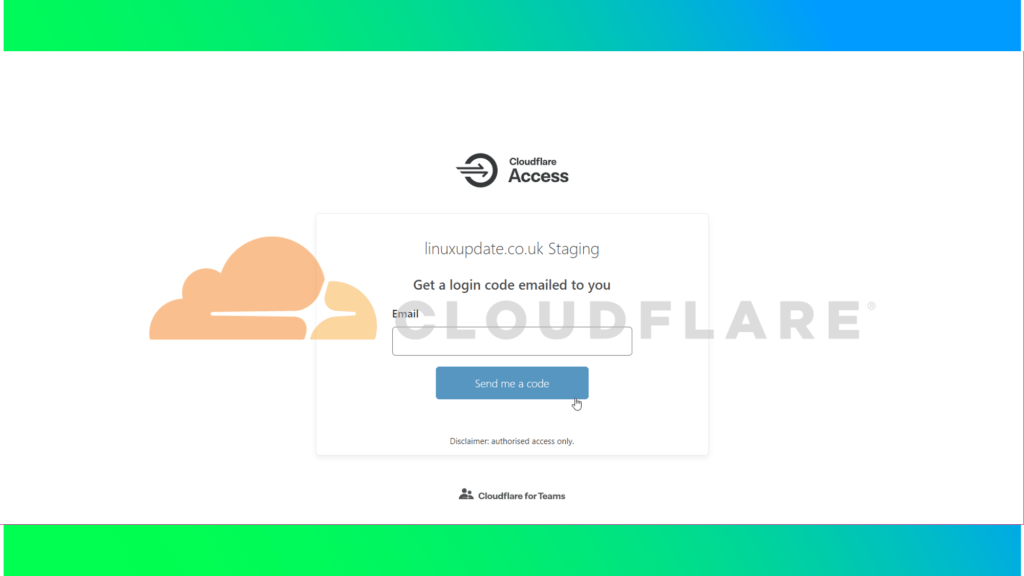
Cloudflare: How to use Cloudflare Access

Cloudflare advertise Access as a VPN replacement for web-based applications. It replaces the usually fairly basic authentication methods used when dialling in over VPN with SSO linked to any of the major SSO providers (Azure AD, G Suite, Okta, etc). [box type=”info” align=”” class=”” width=””]Note: You need to have the domain  on Cloudflare’s DNS. Cloudlfare […]

Cloudflare: How to use Cloudflare Access Read More »

How To: APFS write support for Fedora

[box type=”info” align=”” class=”” width=”100%”]Note: This guide is based on the guide made by the developer available at https://github.com/sgan81/apfs-fuse, but that guide is for Ubuntu.[/box] Download dependencies: sudo dnf install fuse fuse-devel libicu-devel bzip2 bzip2-devel cmake clang git zlib-devel Clone from Github: git clone https://github.com/sgan81/apfs-fuse.git cd apfs-fuse git submodule init git submodule update Then build:

How To: APFS write support for Fedora Read More »

Enable RPM Fusion Repositories on Fedora 32,33, and 34

RPM Fusion is a repository project offering software the Fedora team does not want to include in their own repositories. There are two different repos (free and nonfree). They’re both free as in money, but nonfree includes proprietary software. To enable the repos, use the commands below (running both is fine, but it depends on

Enable RPM Fusion Repositories on Fedora 32,33, and 34 Read More »

5 Things to do after installing Ubuntu 20.10 Groovy Gorilla

Canonical has released Ubuntu 20.10 Groovy Gorilla, while not much has changed over 20.04 it does bring us a handful of new things (namely GNOME 3.38.0, ZFS is no longer classified as experimental, and the Linux Kernel 5.8). 1. Install a new theme and icons 20.10 might have only just been released, but Ubuntu’s UI

5 Things to do after installing Ubuntu 20.10 Groovy Gorilla Read More »

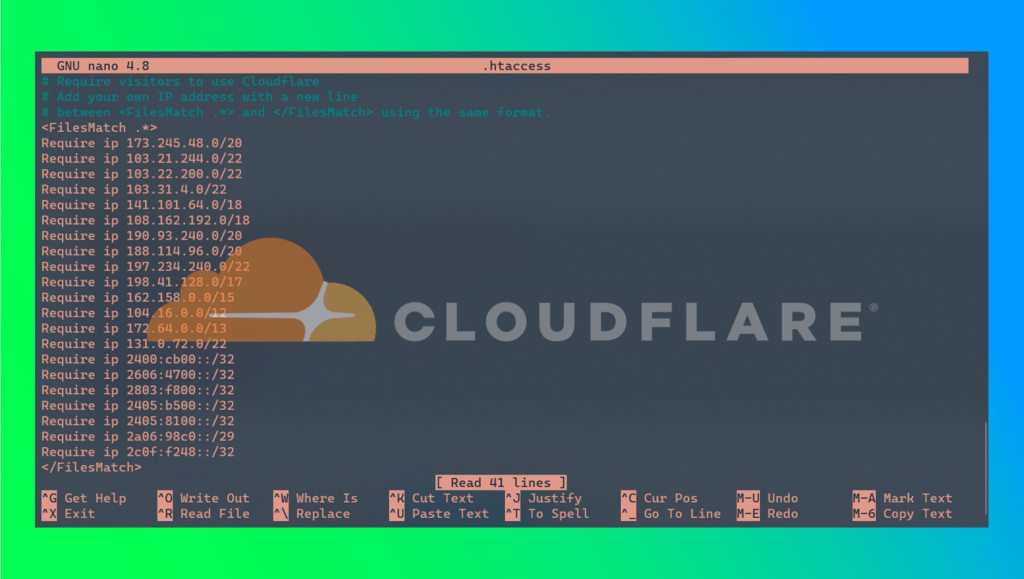
How to block direct access to Cloudflare protected sites with .htaccess

[box type=”note” align=”” class=”” width=”100%”]Note: we’d highly recommend using a hard firewall and requiring traffic to come via Cloudflare that way, but not everybody has that kind of access. This method still allows traffic to reach the server from outside of Cloudflare’s network, but Apache will then deny access to the site. This will still

How to block direct access to Cloudflare protected sites with .htaccess Read More »

How to find the location of a command in Linux

You can find where the command lives with either the whereis or which commands. The whereis command gives you the location of the command as well as the manual page, whereas which just gives you the location of the command. which: [root@hostname ~]# which plesk /sbin/plesk [root@hostname ~]# whereis: [root@hostname ~]# whereis plesk plesk: /sbin/plesk

How to find the location of a command in Linux Read More »

Install a network printer and scanner on Linux

Linux support for printers straight after an install is excellent, even on a FOSS-only distro like Fedora. To add your network connected printer, I’d recommend finding instructions from the printer manufacturer but failing that (or if you don’t want to download their driver package), you can probably get it working without downloading a single driver.

Install a network printer and scanner on Linux Read More »

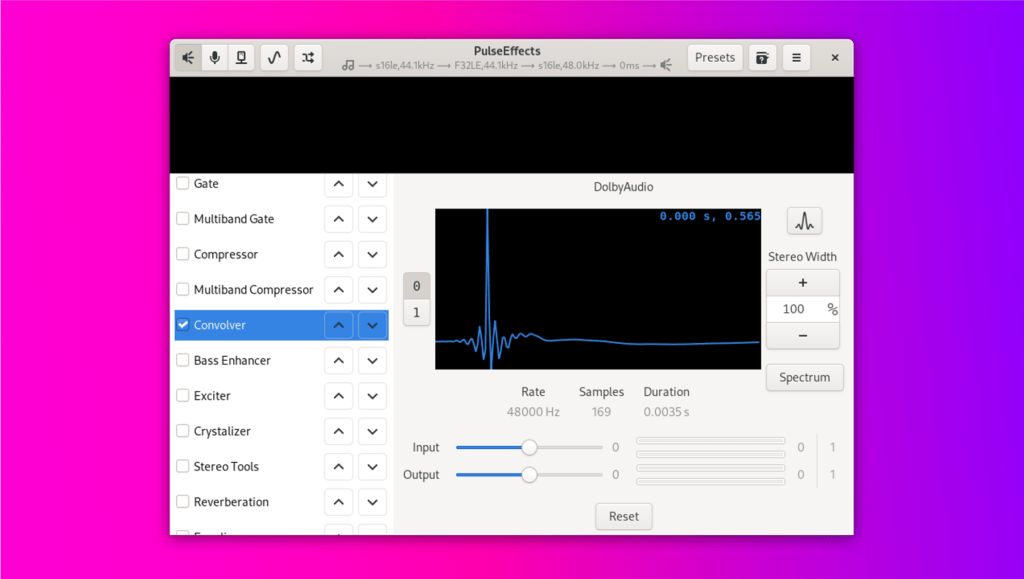
How to mimic Dolby Audio Premium on Linux with PulseEffects

[box type=”info” align=”” class=”” width=””]Update for Fedora 34: The switch to PipeWire (instead of PulseAudio) brings the latency on this down massively 🥳. The guide hasn’t changed though, steps are still the same – PipeWire is a back-end change with no user interaction required. [/box] My ThinkPad X390 uses Dolby Audio Premium on Windows to

How to mimic Dolby Audio Premium on Linux with PulseEffects Read More »