How To

Exchange How To | Import and export individual inboxes as .pst files.

Importing and exporting individual user inboxes is a fairly simple process and remains largely the same across multiple releases (nothing has changed in regards to how you do this so far between Exchange 2010 SP1 and Exchange 2016 RTM). Just simply run the following commands in the Exchange Management Shell.

Exchange How To | Import and export individual inboxes as .pst files. Read More »

Azure | Move an Azure VM between subscriptions (Azure Classic Environment)

You may be aware that all of your data is stored in something called a ‘Blob Storage Account’. Each Azure subscription can have many blob storage accounts but not the other way around. You cannot share blob storage accounts between Azure subscriptions. That means there’s no easy way to move VMs around between Azure subscriptions

Azure | Move an Azure VM between subscriptions (Azure Classic Environment) Read More »

Windows How To: How to create a UEFI bootable USB Windows installer

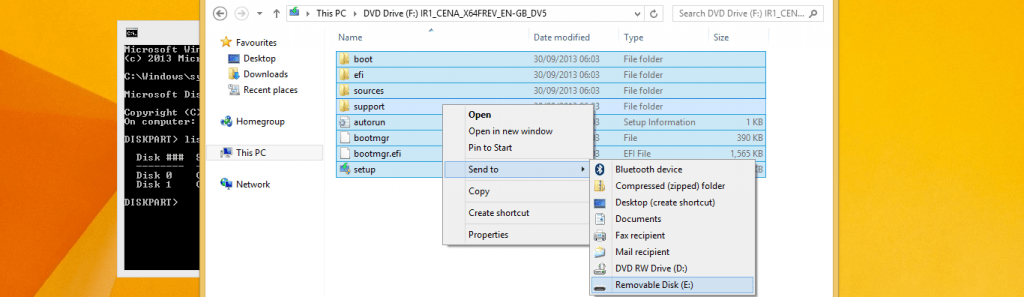
In the past creating a bootable Windows USB installer was extremely easy, all you needed to do was download the ‘Windows 7 USB/DVD Backup Tool’ from Microsoft’s website, select the ISO, and then select the USB stick. Easy stuff. Sadly it’s not so easy with newer computers that have UEFI instead of BIOS. UEFI USB

Windows How To: How to create a UEFI bootable USB Windows installer Read More »

Windows Server How To: Fix HTTP Error 500 “The FastCGI process exited unexpectedly” error on Server 2012 R2

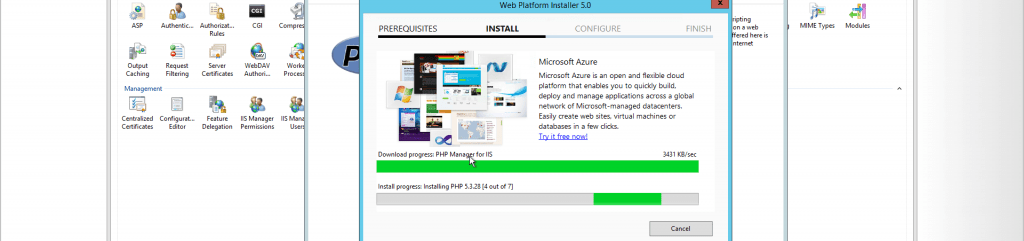
tl;dr Download and install the 32 bit version of Visual C++ Redistributable for Visual Studio 2012 Update 4 from this link. Refresh page and all should be fixed. If you’ve installed PHP 5.5 or 5.6 via the WebPlatform Installer on Windows Server 2012 R2 you may have noticed it refuses to work. Every PHP page

Windows Server How To: Fix HTTP Error 500 “The FastCGI process exited unexpectedly” error on Server 2012 R2 Read More »

Mac How To: Redirect a folder in your home directory with symbolic links

I’m the kind of person that likes to have all of his documents easily available on all of his computers. For this I choose to use Microsoft OneDrive. In Windows it’s very easy to change the location of my Documents, Photos, and Music folder to folders within the OneDrive directory so whenever a change is made

Mac How To: Redirect a folder in your home directory with symbolic links Read More »