How To

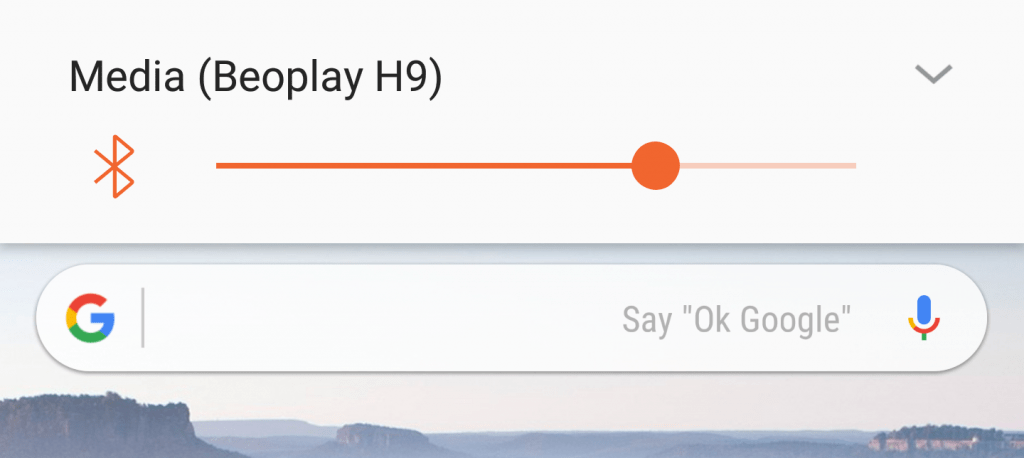
Android How To – Enable Bluetooth Volume Sync on a Galaxy S8

While iOS devices automatically sync volume output with a connected Bluetooth device, most Android phones don’t – the Samsung Galaxy S8 is one of these phones. This results in your phone and headphones/speaker having separate volume controls which can get quite annoying when your phone is in your pocket but you want to be able

Android How To – Enable Bluetooth Volume Sync on a Galaxy S8 Read More »

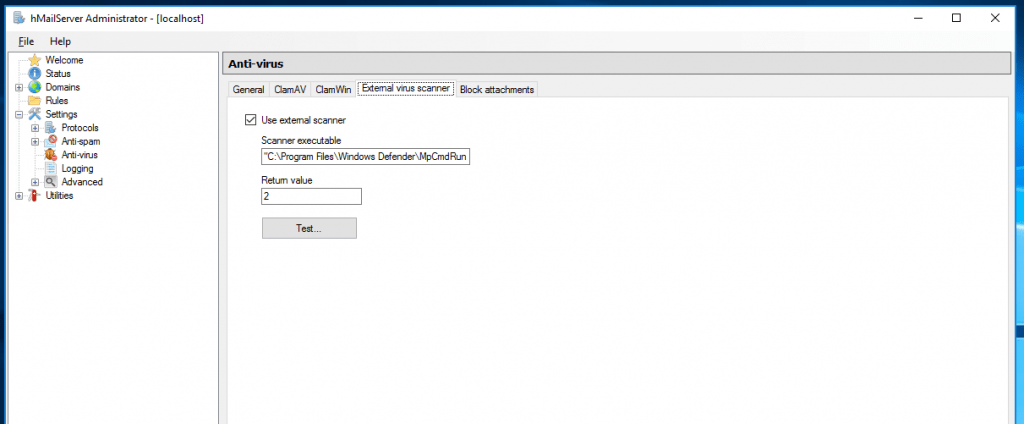
Windows Server How To – Use Windows Defender with hMailServer

hMailServer naively supports using ClamAV (provided you have it installed), but ClamAV arguably isn’t the most effective antivirus available. Since Windows Server 2016 comes with Windows Defender built in, you can use Windows Defender as a third-party virus scanner instead of purchasing something else. It’s all very easy to configure too.

Windows Server How To – Use Windows Defender with hMailServer Read More »

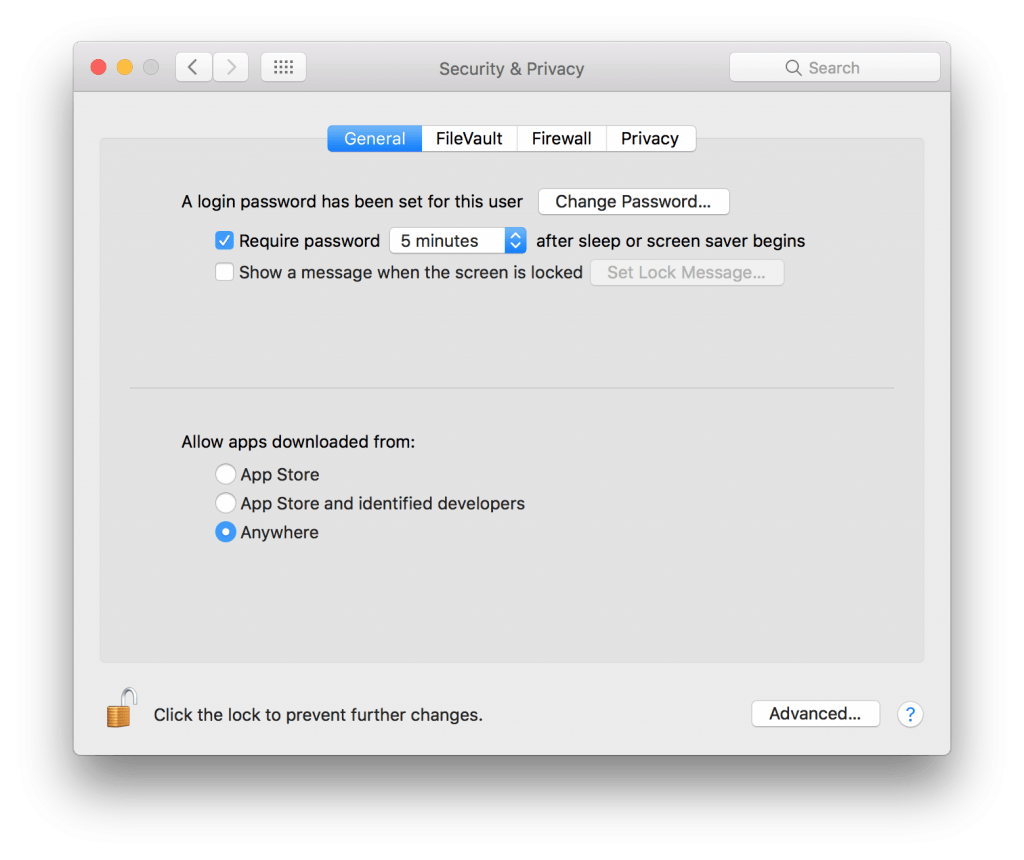
Mac How To – Allow Apps Downloaded from Anywhere in Sierra

It appears that Apple have removed the ability to enable Allow apps downloaded from: Anywhere from within System Preferences. Fortunately, it’s easy enough to enable with 1 line in a terminal window. This line will enable and set the Allow apps downloaded from: preference to Anywhere. sudo spctl –master-disable Once you’ve run the command, close down System Preferences and

Mac How To – Allow Apps Downloaded from Anywhere in Sierra Read More »

Mac How To: Make a USB macOS (or OS X) Installer (10.11.x-10.13.x)

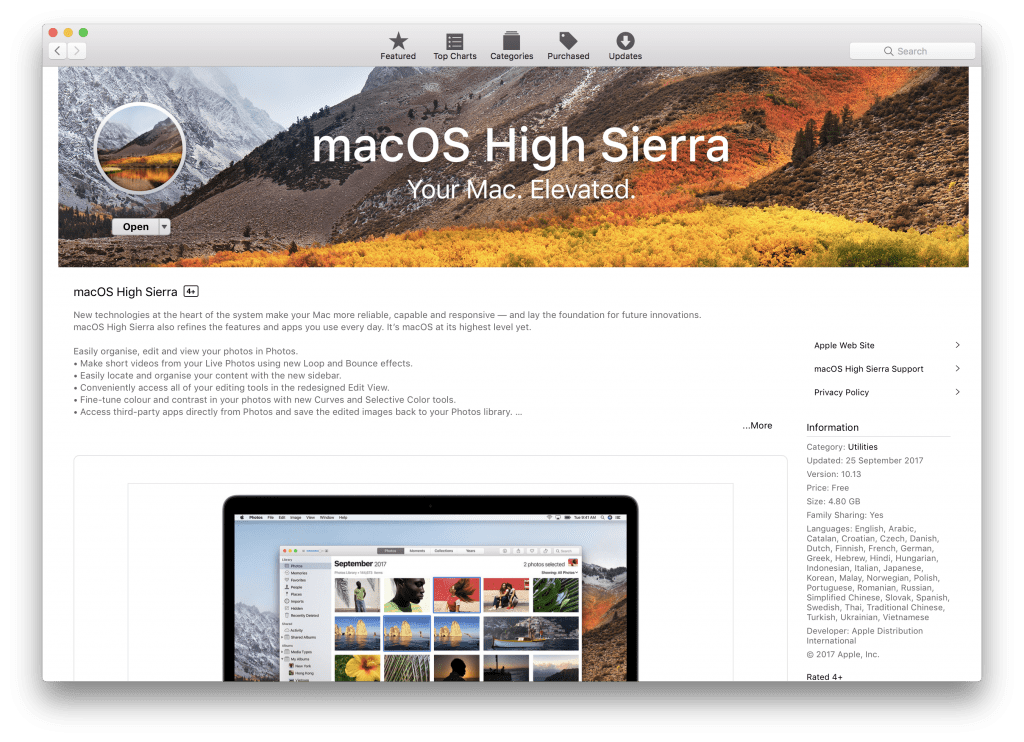
NOTICE: This article has been updated for macOS Sierra and macOS High Sierra – I’ve included OS X El Capitan, macOS Sierra, and macOS High Sierra instructions for any stages with different requirements or commands. At the time of writing, Apple still don’t offer a simple utility one can use to create a bootable USB

Mac How To: Make a USB macOS (or OS X) Installer (10.11.x-10.13.x) Read More »

SSL How To | Exporting the Private Key and Certificate from a .pfx file

If you’ve exported an SSL certificate from a Windows PC via the Certificate Manager MMC plugin into a .pfx file, you may end up needing to spilt that file into its constituent parts (e.g; for moving the certificate to a Linux based server or if you’re importing it into Plesk). Thankfully doing this is very

SSL How To | Exporting the Private Key and Certificate from a .pfx file Read More »

Windows Server How To | Export DS records (trust anchors) after configuring DNSSEC.

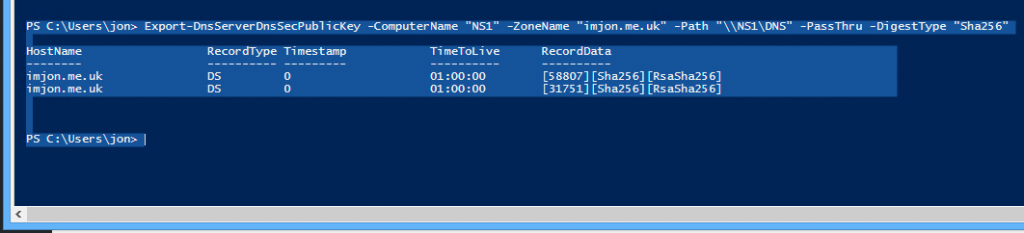
After you’ve signed a zone you would expect Windows to give you the DS records/trust anchors straight away, right? Sadly not. It is, however, very easy to get Windows to give you the DS records so you can complete your DNSSEC implementation. To do this you need; a PowerShell or PowerShell ISE window (I prefer

Windows Server How To | Export DS records (trust anchors) after configuring DNSSEC. Read More »