linuxupdate

Our Linux specific news, guides, and reviews.

Ubuntu How To: Install ClamAV (Desktops and Servers)

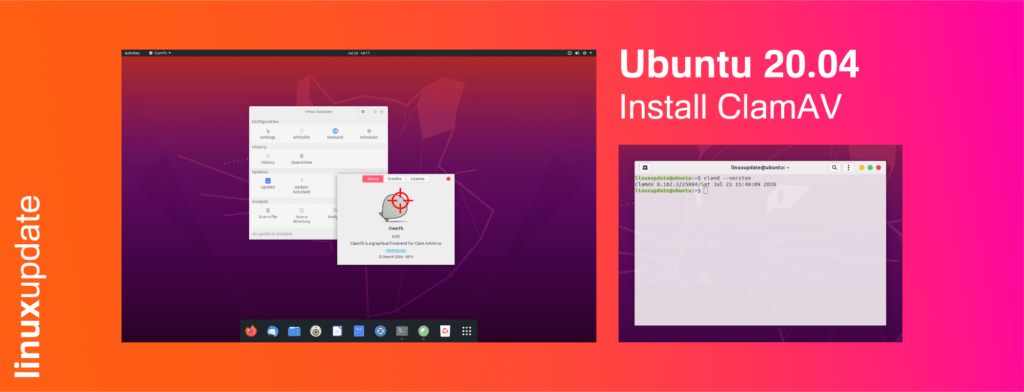
ClamAV is a FOSS anti-virus product, and while it doesn’t offer features we’re all used to now such as real-time scanning we’ll walk you through the process of configuring a cronjob to scan on a regular basis. Premium AV is still our recommendation if you want advanced security, but ClamAV is sufficient for most use […]

Ubuntu How To: Install ClamAV (Desktops and Servers) Read More »

How To: get exFAT drive support for Fedora 32

[box type=”info” align=”” class=”” width=”100%”]Update: Fedora 33 includes support for exFAT! 🥳🎉[/box] In 2019 Microsoft opened up the the exFAT specifications, and while exFAT drive support should be coming to the Linux kernel soon and distributions like Ubuntu include support out-of-box, Fedora does not yet support exFAT drives without a couple of extra tools. To

How To: get exFAT drive support for Fedora 32 Read More »

Serpent OS, the new “truly modern” Distro

Ikey Doherty, best known as the creator of the Solus Linux project until his departure in 2018, today announced a new distro: Serpent OS (soon to be re-branded as Serpent Linux). On the Serpent OS website (https://www.serpentos.com/about/) Doherty explains that Serpent OS is intended to be “A Truly Modern Linux Distribution” with modern architectural design

Serpent OS, the new “truly modern” Distro Read More »

Ubuntu How To: Install GNOME Extensions (Firefox and Chromium)

GNOME is one of the most commonly used desktop environments for Linux/BSD desktops and laptops, but by default it can be quite lacking in customisability and other features. Fear not! There’s an easy way to modify your GNOME install: extensions!  The easiest way to install extensions is using the GNOME Shell Extensions page (https://extensions.gnome.org/). This

Ubuntu How To: Install GNOME Extensions (Firefox and Chromium) Read More »

How To Fix: Could not get metalink for EPEL

Quick Fix Error message: Could not get metalink https://mirrors.fedoraproject.org/metalink?repo=epel-7&arch=x86_64 error was 14: HTTPS Error 503 – Service Unavailable Fix: sudo rpm –query –file  /etc/pki/tls/certs/ca-bundle.trust.crt Output (will change as time goes on): ca-certificates-2018.2.22-70.0.el7_5.noarch Copy and paste output, and then run: sudo yum reinstall ca-certificates-2018.2.22-70.0.el7_5.noarch Then try yum update again.          

How To Fix: Could not get metalink for EPEL Read More »