Windows Server

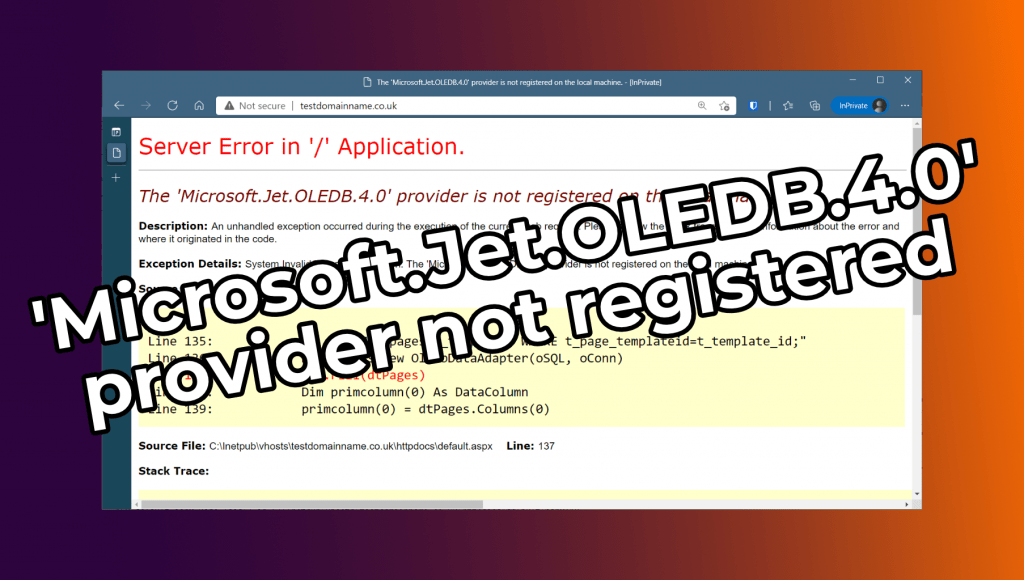
How To: Fix The ‘Microsoft.Jet.OLEDB.4.0’ provider is not registered on the local machine.

This error is fairly simple to fix. There is no 64-bit Microsoft.Jet.OLEDB.4.0 provider, so you simply need to set the Application Pool for the site in question to 32-bit and the error should go away. To do this: Open the Internet Information Services (IIS) Manager GUI Click on Application Pools on the left-hand side Then […]
How To: Fix The ‘Microsoft.Jet.OLEDB.4.0’ provider is not registered on the local machine. Read More »

Windows Server How To – Use Windows Defender with hMailServer

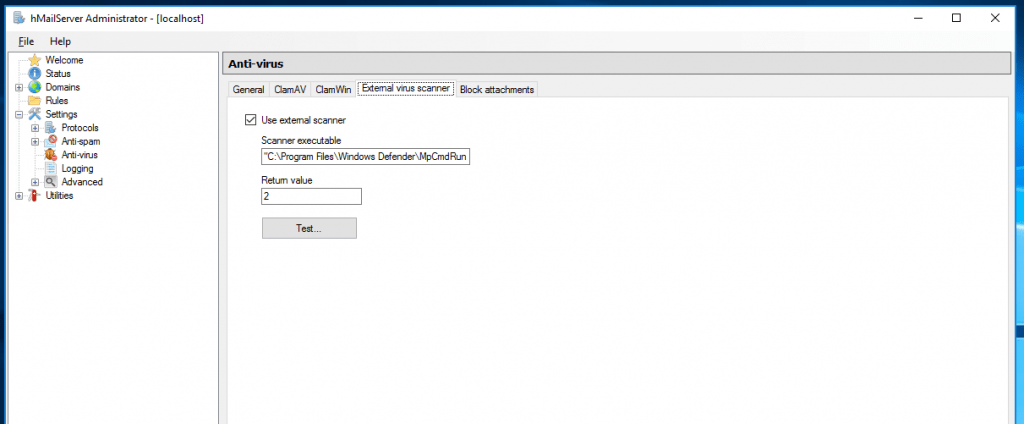
hMailServer naively supports using ClamAV (provided you have it installed), but ClamAV arguably isn’t the most effective antivirus available. Since Windows Server 2016 comes with Windows Defender built in, you can use Windows Defender as a third-party virus scanner instead of purchasing something else. It’s all very easy to configure too.

Windows Server How To – Use Windows Defender with hMailServer Read More »

SSL How To | Exporting the Private Key and Certificate from a .pfx file

If you’ve exported an SSL certificate from a Windows PC via the Certificate Manager MMC plugin into a .pfx file, you may end up needing to spilt that file into its constituent parts (e.g; for moving the certificate to a Linux based server or if you’re importing it into Plesk). Thankfully doing this is very

SSL How To | Exporting the Private Key and Certificate from a .pfx file Read More »

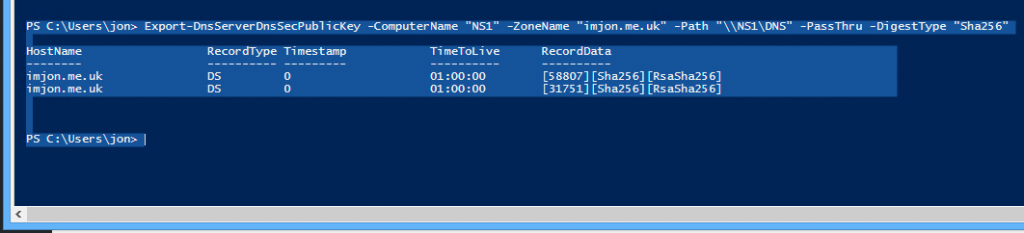
Windows Server How To | Export DS records (trust anchors) after configuring DNSSEC.

After you’ve signed a zone you would expect Windows to give you the DS records/trust anchors straight away, right? Sadly not. It is, however, very easy to get Windows to give you the DS records so you can complete your DNSSEC implementation. To do this you need; a PowerShell or PowerShell ISE window (I prefer

Windows Server How To | Export DS records (trust anchors) after configuring DNSSEC. Read More »

Exchange How To | Import and export individual inboxes as .pst files.

Importing and exporting individual user inboxes is a fairly simple process and remains largely the same across multiple releases (nothing has changed in regards to how you do this so far between Exchange 2010 SP1 and Exchange 2016 RTM). Just simply run the following commands in the Exchange Management Shell.

Exchange How To | Import and export individual inboxes as .pst files. Read More »

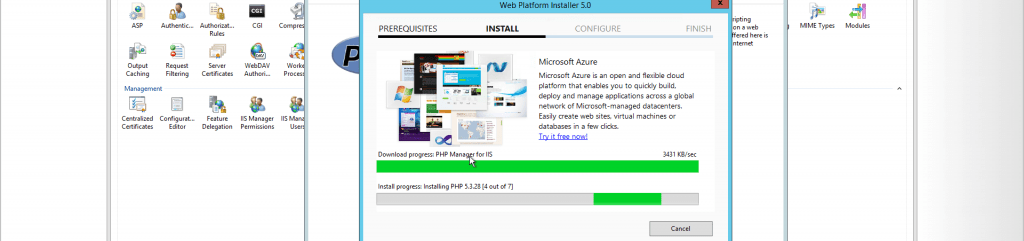
Windows Server How To: Fix HTTP Error 500 “The FastCGI process exited unexpectedly” error on Server 2012 R2

tl;dr Download and install the 32 bit version of Visual C++ Redistributable for Visual Studio 2012 Update 4 from this link. Refresh page and all should be fixed. If you’ve installed PHP 5.5 or 5.6 via the WebPlatform Installer on Windows Server 2012 R2 you may have noticed it refuses to work. Every PHP page

Windows Server How To: Fix HTTP Error 500 “The FastCGI process exited unexpectedly” error on Server 2012 R2 Read More »