
How To

How To: get exFAT drive support for Fedora 32

[box type=”info” align=”” class=”” width=”100%”]Update: Fedora 33 includes support for exFAT! 🥳🎉[/box] In 2019 Microsoft opened up the the exFAT specifications, and while exFAT drive support should be coming to the Linux kernel soon and distributions like Ubuntu include support out-of-box, Fedora does not yet support exFAT drives without a couple of extra tools. To […]

How To: get exFAT drive support for Fedora 32 Read More »
How To: Fix Coil Whine and Squeaking (How to disable Turbo Boost)

There’s nothing worse than getting a new laptop, booting it up, and then hearing that incessant coil whine noise that kicks in and out. I’ve noticed it’s worse on the HP laptops we’ve used, but HP isn’t to blame. Intel is. In our testing, the issue seems to be related to Intel’s TurboBoost feature that

How To: Fix Coil Whine and Squeaking (How to disable Turbo Boost) Read More »

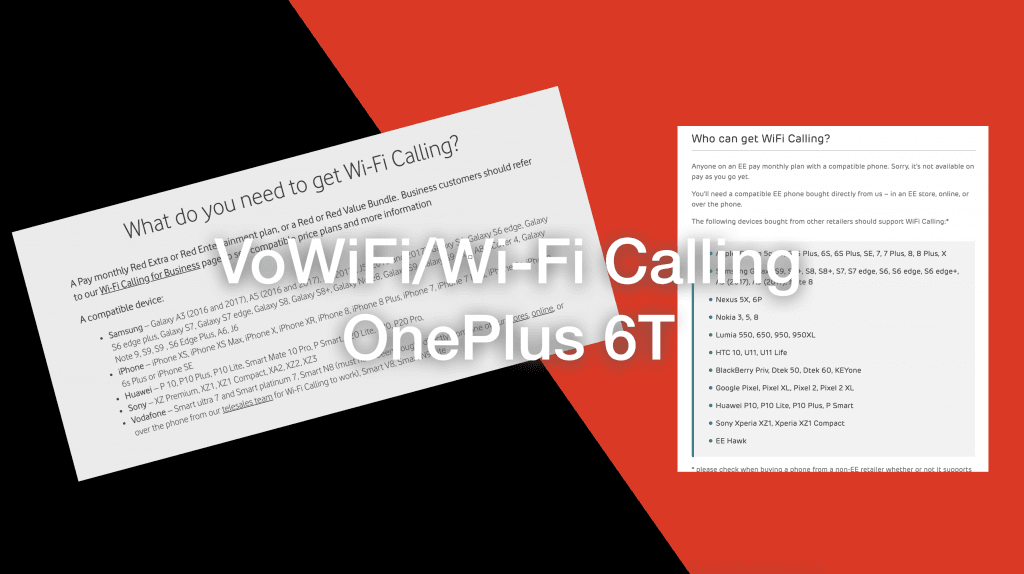
How To: Enable Wi-Fi Calling on the OnePlus 6T (Vodafone UK and EE)

One trick the OnePlus 6T has up its sleeve is that despite not being listed on Vodafone and EE’s supported devices list, it actually comes with the keys and certificates required to connect to the VoWiFi/Wi-Fi Calling servers – all you need to do is enable it in a debugging menu. Please note that this

How To: Enable Wi-Fi Calling on the OnePlus 6T (Vodafone UK and EE) Read More »

How To Fix: Could not get metalink for EPEL

Quick Fix Error message: Could not get metalink https://mirrors.fedoraproject.org/metalink?repo=epel-7&arch=x86_64 error was 14: HTTPS Error 503 – Service Unavailable Fix: sudo rpm –query –file  /etc/pki/tls/certs/ca-bundle.trust.crt Output (will change as time goes on): ca-certificates-2018.2.22-70.0.el7_5.noarch Copy and paste output, and then run: sudo yum reinstall ca-certificates-2018.2.22-70.0.el7_5.noarch Then try yum update again.          

How To Fix: Could not get metalink for EPEL Read More »